
ontime group calendar
It’s all about time.
And managing it right.
With OnTime, everything from finding the right time to managing catering and rooms runs seamlessly so you stay focused on work, not logistics.
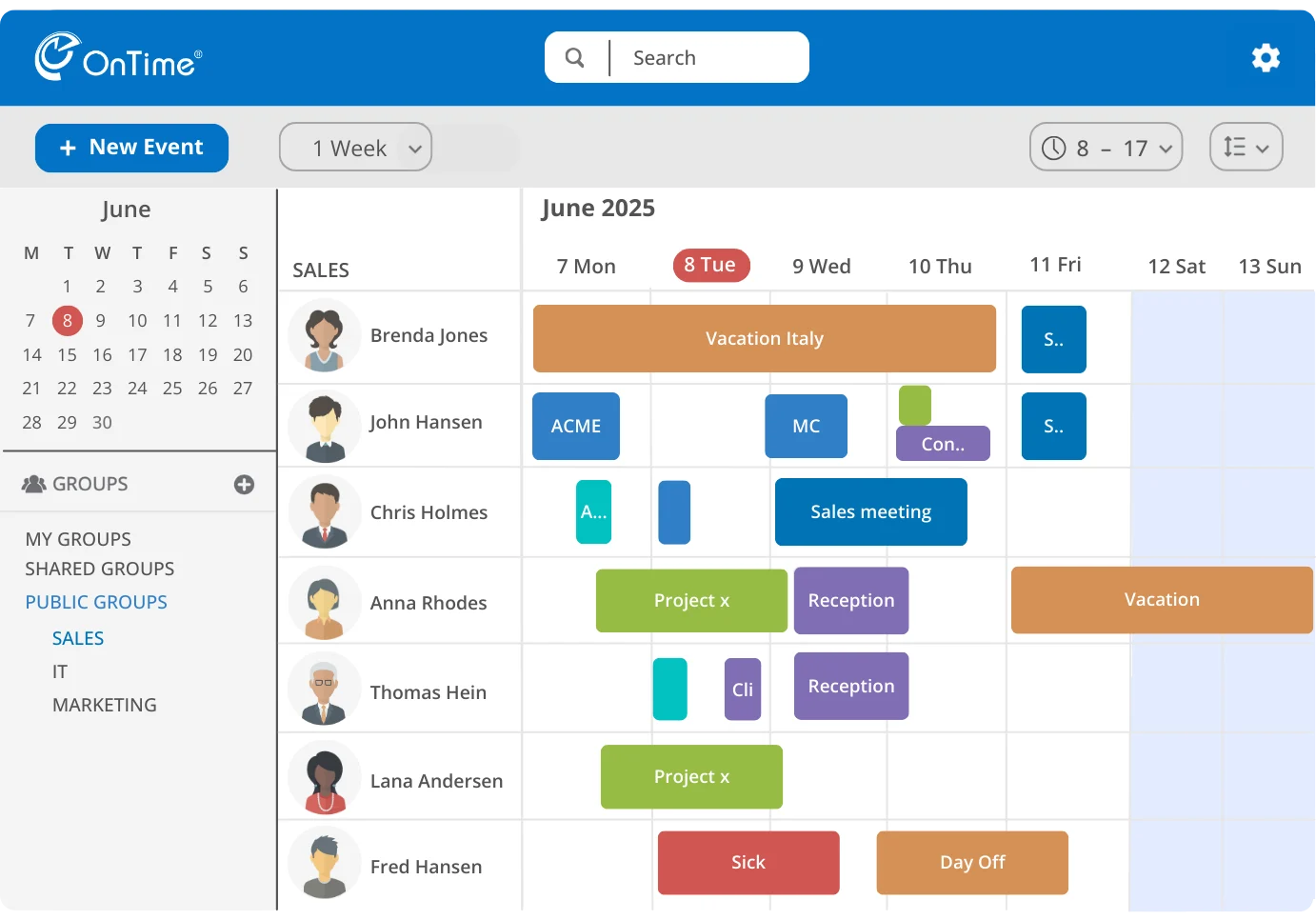





What is OnTime?
All Your Calendars, One Clear View
OnTime is a group calendar solution that takes the chaos out of scheduling and keeps teams in sync. All calendars come together in one simple, visual view so you can instantly see availability, find the right people, and book meetings.
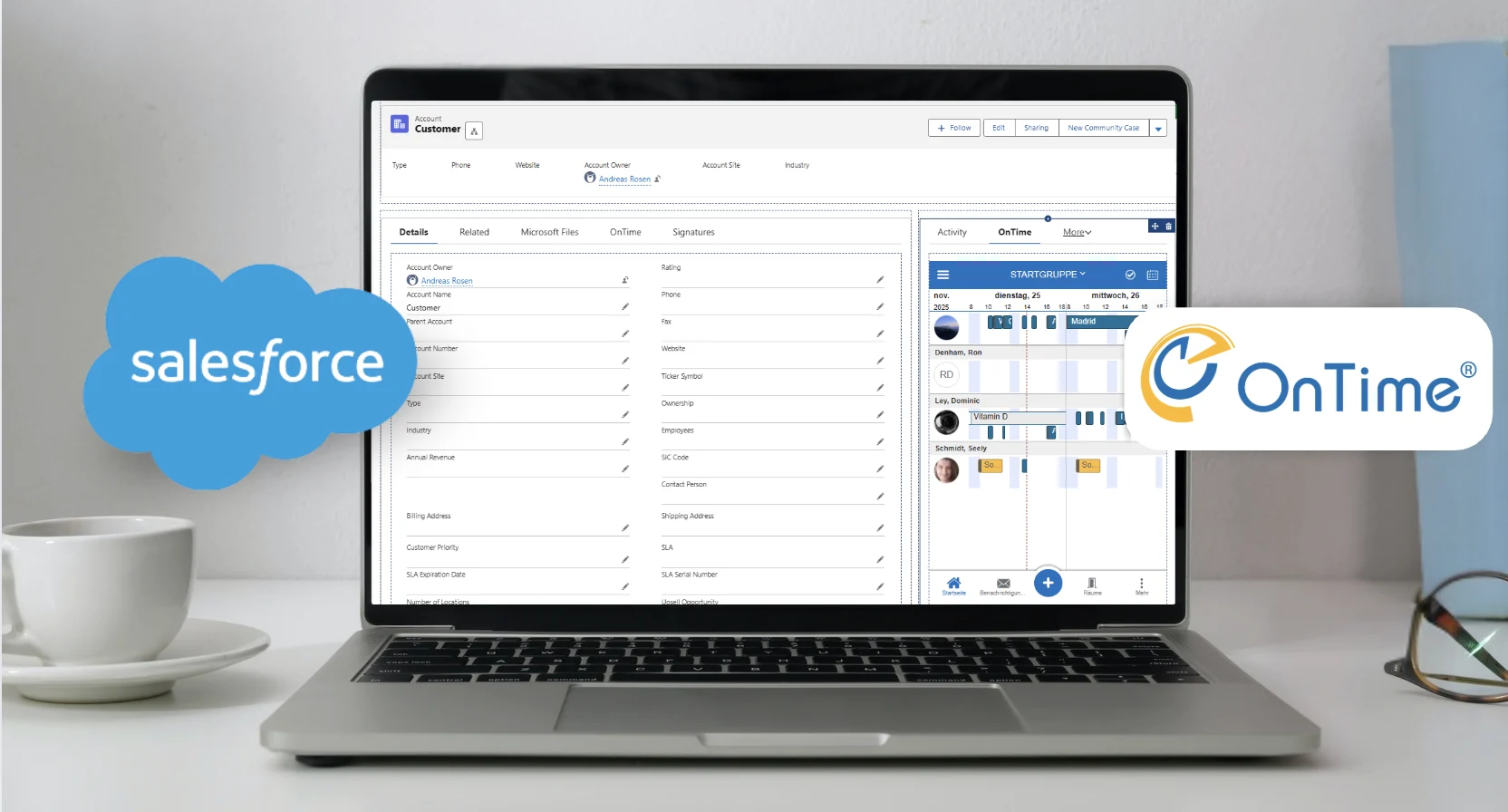
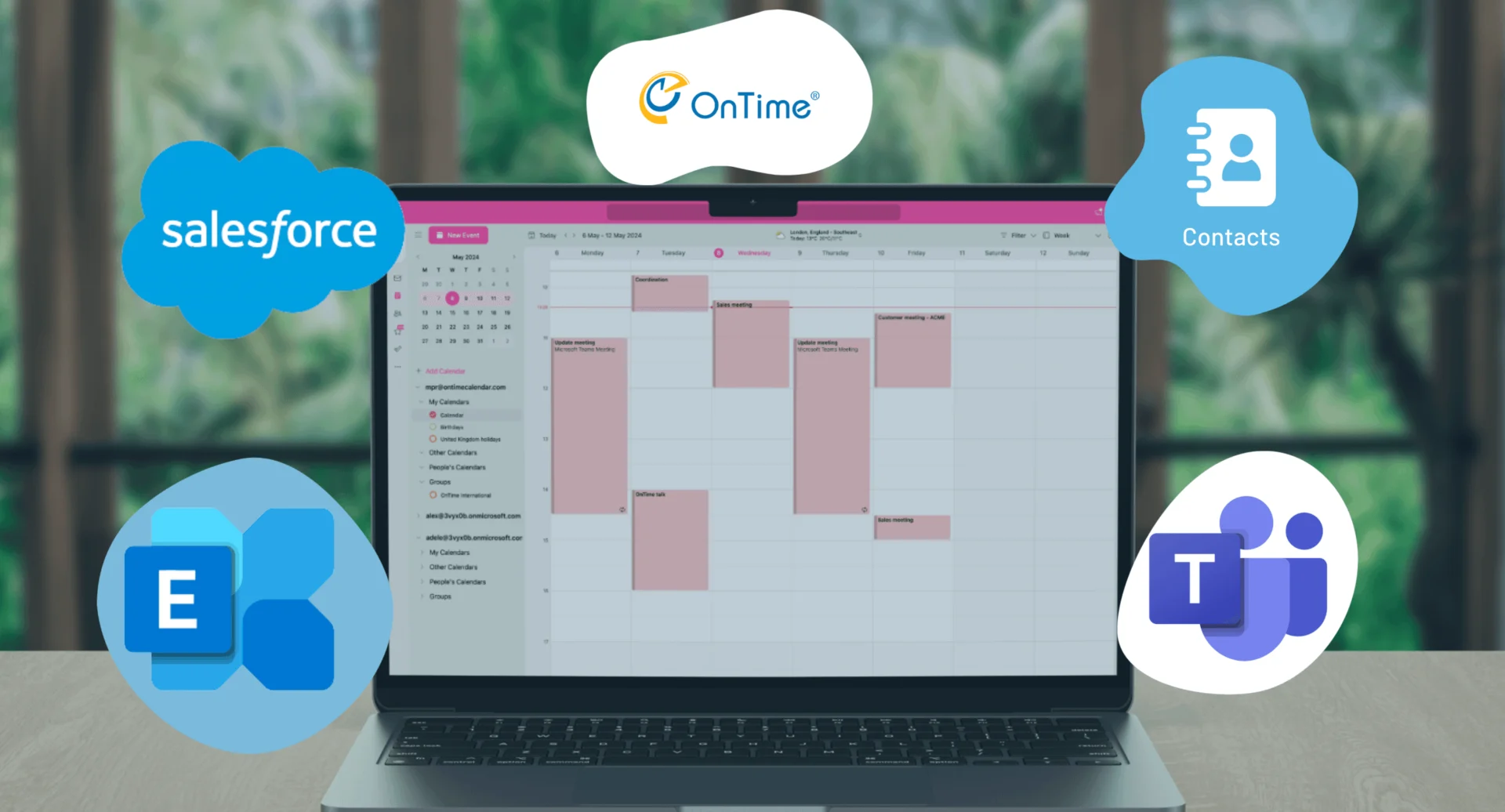
With seamless integration to Microsoft 365, MS Exchange, and HCL Domino, OnTime fits naturally into existing workflows. With features like filters, calendar sharing, polling, online meetings, and vacation planning, coordinating meetings becomes smooth, fast, and efficient.

why OnTime?
Benefits - in Our Experience
Based on what customers tell us, these are the time savings and improvements teams experience with OnTime Group Calendar.
From Puzzle to
Panorama
Before, working with calendars was like sitting with pieces from many different puzzles, trying to make sense of them. With OnTime, you get the complete calendar panorama instantly.
Average Time saved:
10 Minutes per employee each day
Faster Access to the Right People
Fast Access to the Right People by instantly seeing who’s available and connect with them right away.
Average Time saved:
5 Minutes per employee each day
End the Calendar Ping Pong
with automatic meeting time suggestions based on participants availability — no more endless email chains to find a time that works.
Average Time saved:
4 Minutes per employee each day
Eliminate Messy Excel Sheets
as the Time Off view provides full overview of colleagues’ availability and a simple approval system for smooth, organised vacation planning.
Average Time saved:
2 Minutes per employee each day
Faster scheduling on behalf
Average Time saved:
30 Minutes per employee each day
Speed up the Entire Meeting Process
Average Time saved:
40 min daily with 4 meetings.
Imagine This for Your Team
But since not everyone has the same workload or meeting habits, let’s look at a more realistic scenario and divide that by four. Even then, it’s still 22,5 minutes saved each day — adding up to 7,5 hours every month.
Now imagine if only half of your organization gained those time savings each month. For a team of 500 people, that’s 7500 hours saved every month.
Hours your team could spend serving customers, closing deals, or moving projects forward instead of chasing calendars and emails.
These are the kinds of results we typically see across organizations using OnTime. Every organization is different, so let’s talk about what this could look like for you.

Latest News
What is happening in the world of OnTime?


Signup for newsletter
Stay updated with the latest news, tips, and exclusive offers – straight to your inbox.
Enter email
Profiles
How Does OnTime Benefit You?
Flexible Scheduling
Access and manage schedules on the go, whether in the office or traveling.
Gain a Clear Overview
See team and department schedules in one place and stay informed without constant updates.
Make Data-Driven Decisions
Gain insights to improve meeting efficiency and optimise how time and resources are used.
Free Up Time by Delegating
Delegate your scheduling responsibilities to assistants to free up time for more tasks

Schedule on Behalf
Quickly check and manage calendars for your executive or team
Book Meetings Faster
Let clients and partners see your executives and teams availability and book a time instantly
Overview Key Schedules
Get a clear, individual overview of each key colleague’s calendar.
Enhanced Collaboration
Assistants and executives can manage schedules together in real time without conflicts.

Clarity of Team Availability
Easily see when colleagues are free to loop them into urgent customer issues
Faster Internal Coordination
Quickly schedule follow-ups, escalations, or cross-department meetings without back-and-forth.
Send Customers a Booking Link
Send customers a link with available meeting times, for clear and efficient assistance

Spend Less Time on Administration
Cut down on repetitive tasks like time-off approvals and calendar coordination
Keep Work Running Smoothly
Keep teams productive by quickly seeing who’s available and planning around absences
Share Updates with Everyone
Easily push important company events into calendars to keep everyone aligned.
Create a Better Employee Experience
Improve happiness and engagement across the company by simpler processes and better communication

Always Know Who’s in the Building
Easily view a live list of all visitors, so you’re always aware of who is on-site
Quickly Check Visitor Details
Find and view visitor information instantly without searching through papers or spreadsheets.
Visitor Logs for Reports
Access detailed visitor logs anytime to quickly identify who was in the building for audits or emergency situations.
Help Navigate Visitors
By displaying room availability and meeting information, reception staff can direct visitors quickly without confusion

Clear Workflow
With a straightforward process, you can focus on delivering great service while keeping orders and tasks clear.
Prevent Miscommunication
Integration with user calendars mean you’re always in sync with event details, preventing miscommunication
Less Administrative Work
Order exports handle billing details, so kitchen staff can spend less time on admin tasks
Minimise Waste
By adjusting orders based on actual consumption, the kitchen can save products and reduce waste.

What’s Next
Trusted by organizations across industries