Salesforce offers powerful tools for opportunity management. However, as soon as multiple people are working on the same opportunity, a central overview of what these individuals are doing and their availability is often lacking. Teams frequently need to react quickly, coordinate customer appointments, or make internal decisions. However, Salesforce doesn’t show whether the relevant colleagues have time for this.
For example, an opportunity becomes relevant, and the customer wants a meeting this week. You open the opportunity and realize: there’s no easy way to see who in the account team is available, who is on vacation, or who is working on other deals simultaneously. As a result, time is wasted, inquiries are made, and coordination becomes unclear.
Since Salesforce doesn’t offer an integrated availability indicator for opportunity teams, many users resort to improvised workarounds.
A classic example: creating a “pseudo-meeting” in Outlook or Google Calendar, adding all relevant team members, and checking who is available. Others manually copy team names into calendar or HR tools, or type in Slack: “Is anyone free on Thursday for the client meeting?” Some even have internal tables or spreadsheets where availability is manually maintained—often incomplete and rarely up-to-date.
These solutions are time-consuming, make processes prone to errors, and result in important opportunities being coordinated less effectively than necessary.
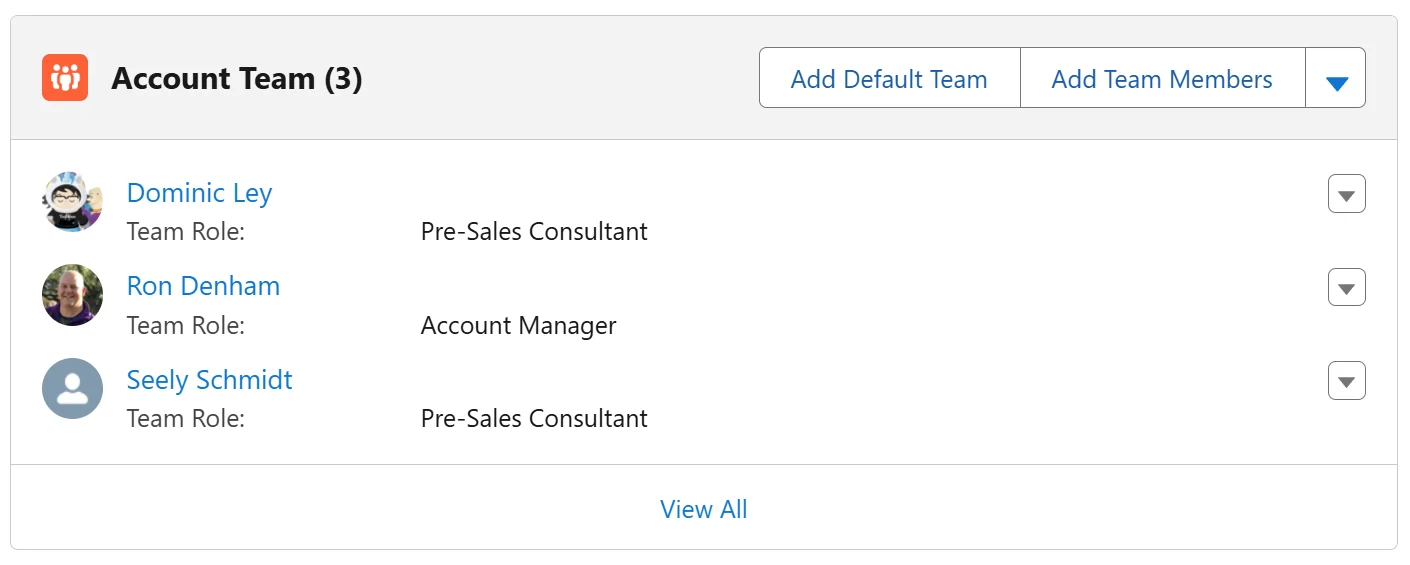
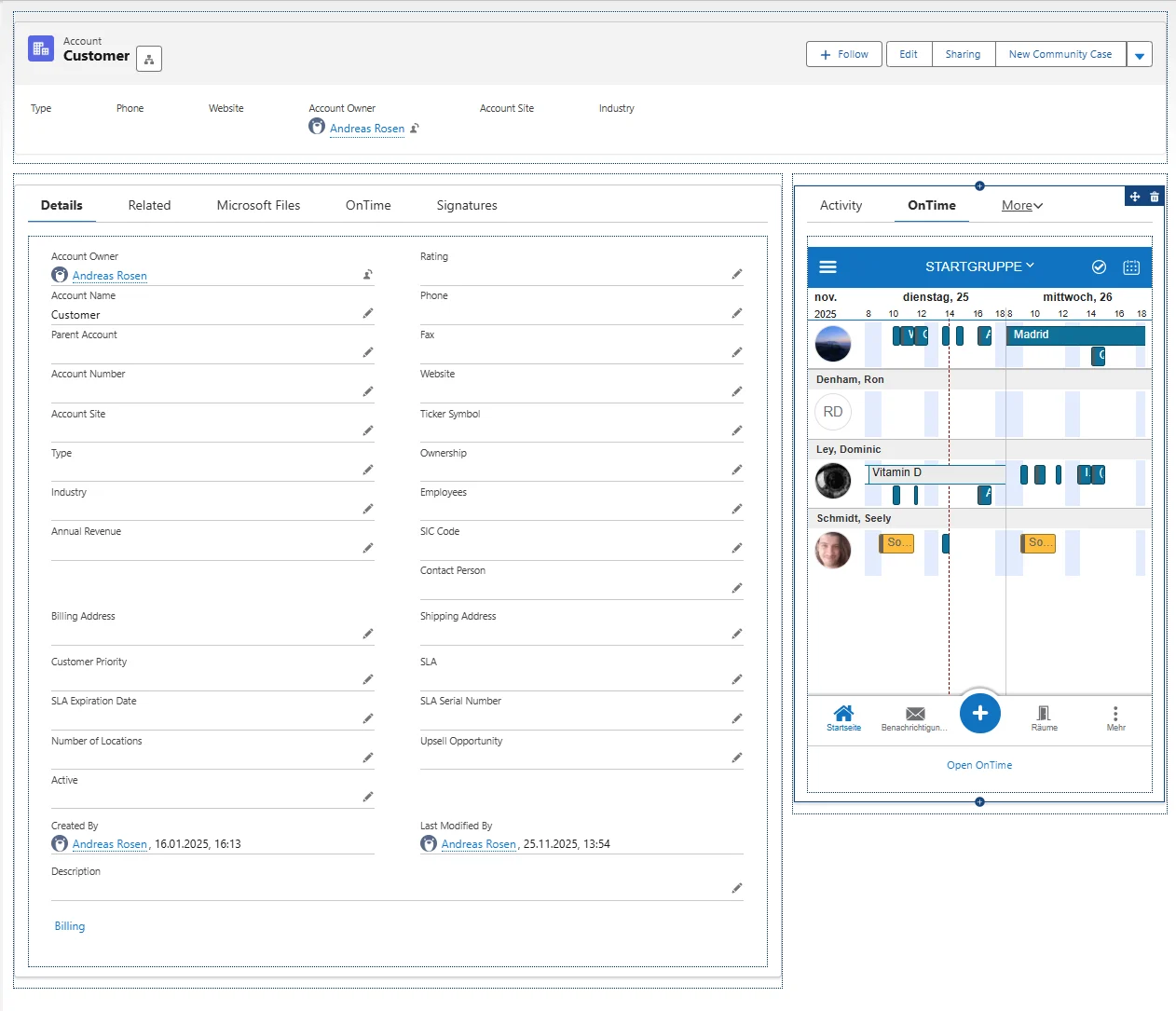
This is precisely where the solution comes in: Ontime, an integrated widget that appears directly within the opportunity and in this example automatically retrieves the appropriate account team. Within the opportunity, you can immediately see the availability of all relevant team members – without additional tools, without calendar tweaks, and without manual coordination.
The result: Less organizational effort, more focus on the customer and significantly better coordinated deals.
Should you have any questions or wish to schedule a demonstration, please feel free to contact us at any time.
Would you like to find out how OnTime Group Calendar could benefit you and your company?