Customer Training

Become the OnTime Super Hero

Optimise Your Use of OnTime

In order to make implementing and using OnTime as simple and smooth as possible, we have made a handful of tutorial videos which explains the different features and functions of OnTime. These videos will help make OnTime a success in your business, by making sure you take advantage of all the time saving features.

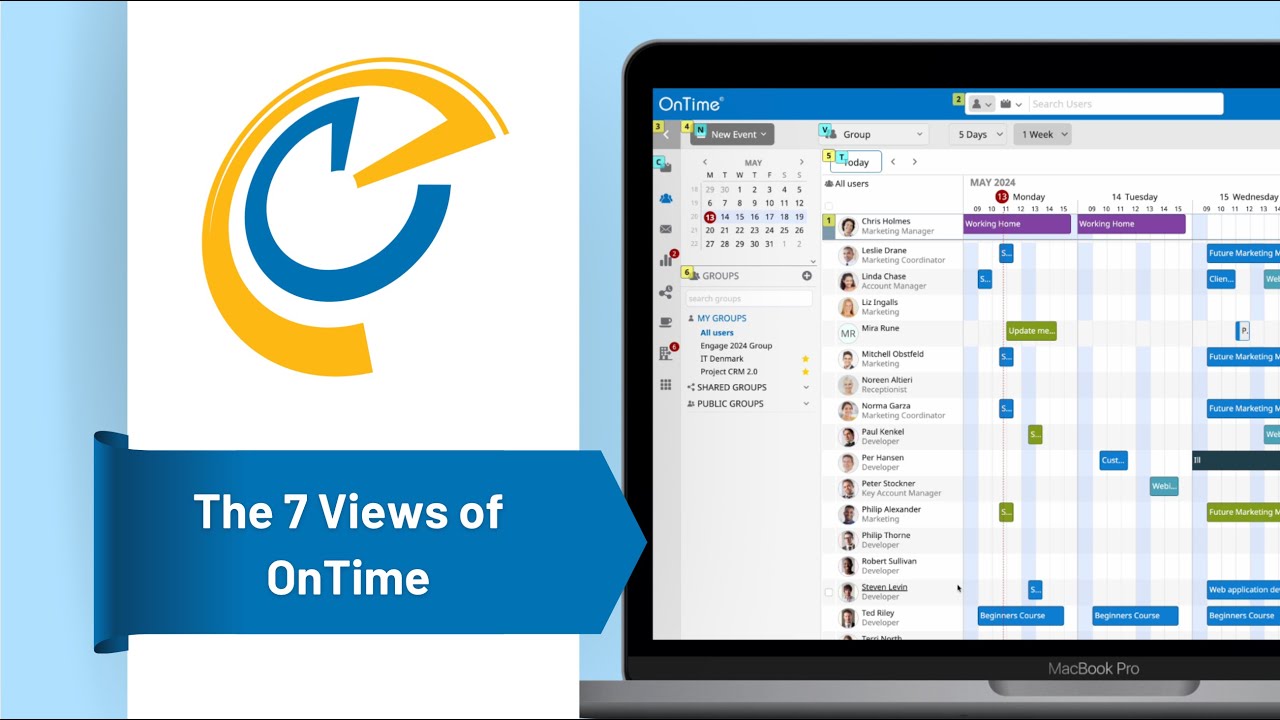
The 7 views of OnTime
22. June, 2023

The 7 views of OnTime

Creating Events for Microsoft
23. June, 2026

Creating Events for Microsoft

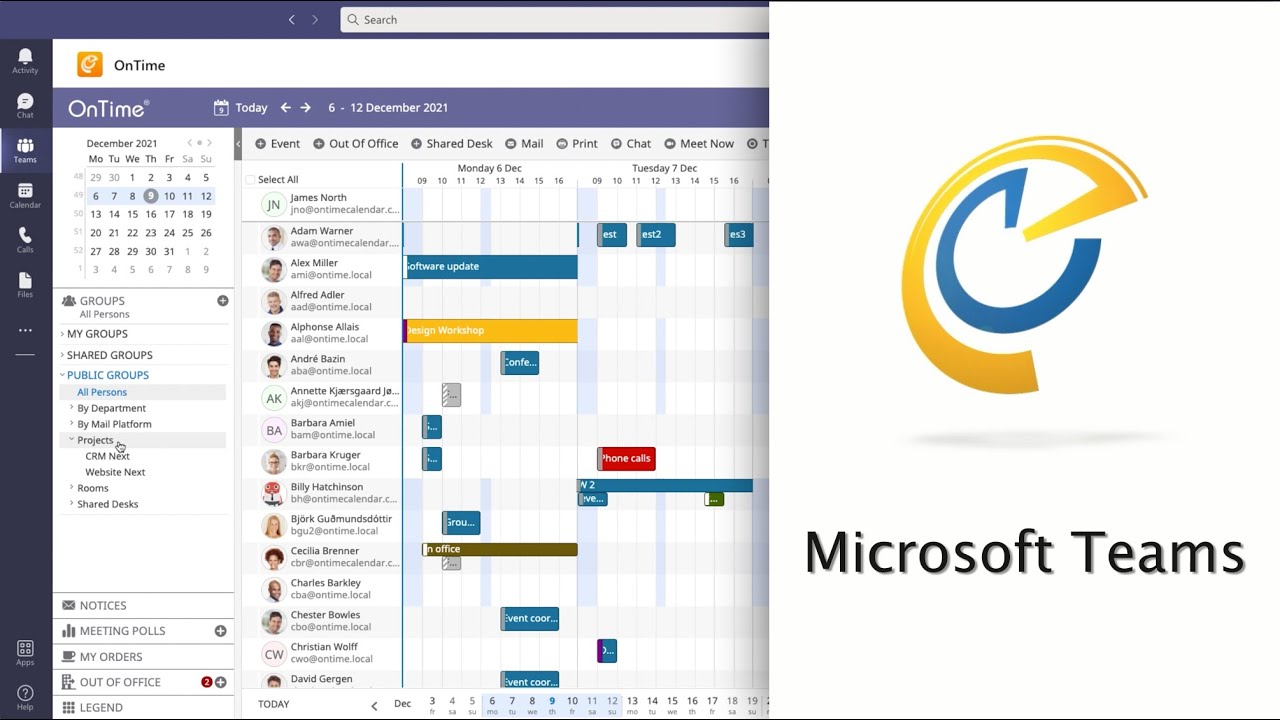
OnTime in Microsoft Teams
24. August, 2022

OnTime in Microsoft Teams

Register Visitors
28. February, 2023

Register Visitors

Schedule on Behalf of Others For Microsoft
23. June, 2026

Schedule on Behalf of Others For Microsoft

Searching and Filtering
18. July, 2024

Searching and Filtering

Edit User Settings
22. July, 2024

Edit User Settings

Business Cards
22. July, 2024

Business Cards

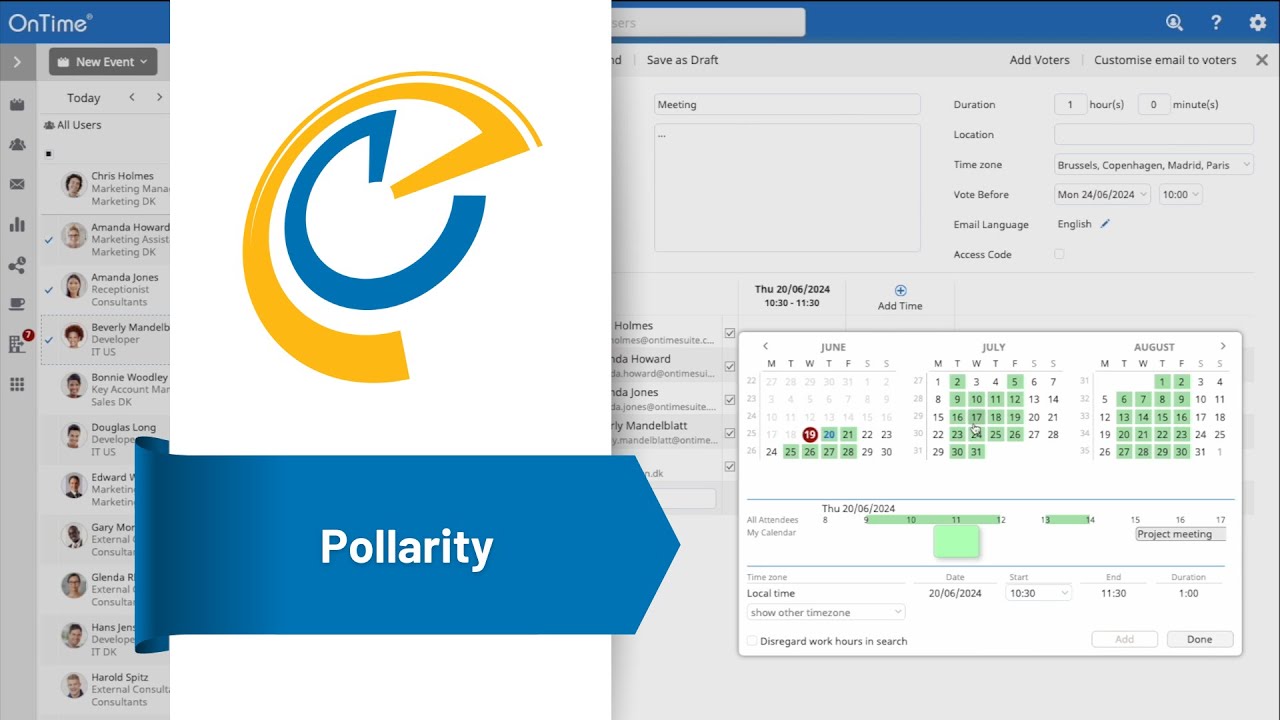
Poll for a Common Time
18. July, 2024

Poll for a Common Time

Share Your Availability
22. July, 2024

Share Your Availability

Locate and Book Shared Desks
18. July, 2024

Locate and Book Shared Desks

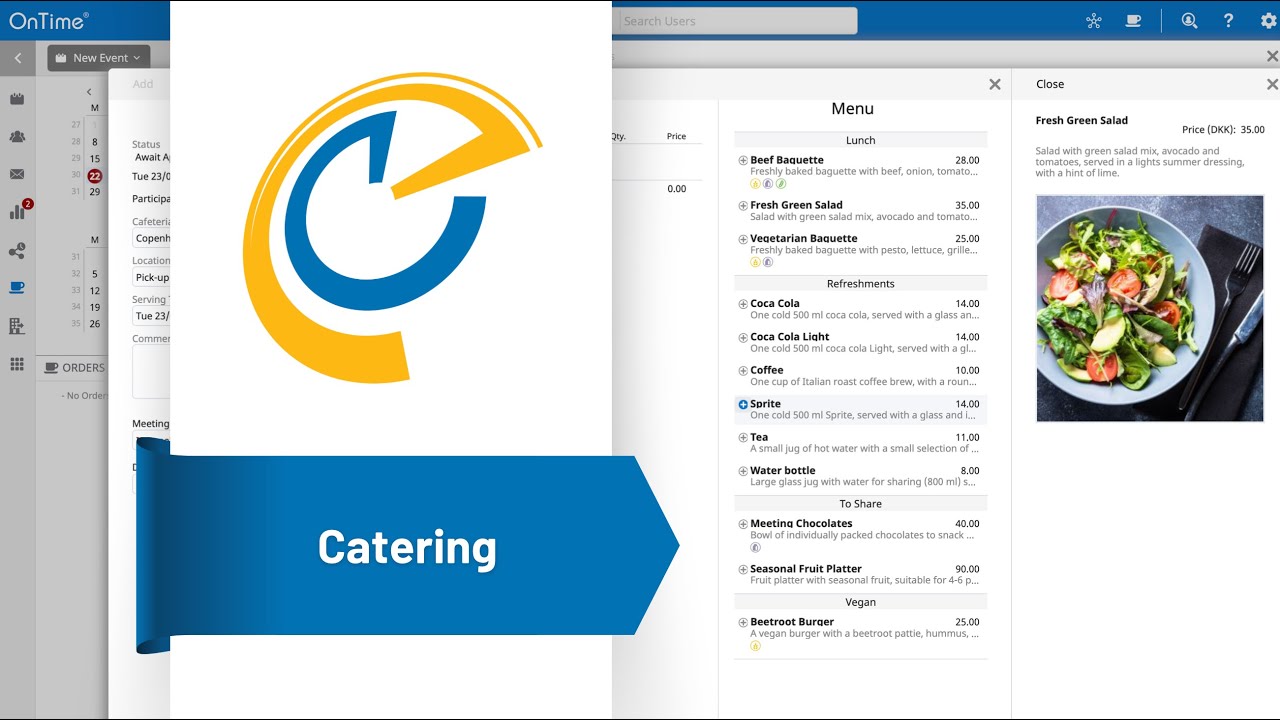
Creating Catering Orders
22. July, 2024

Creating Catering Orders

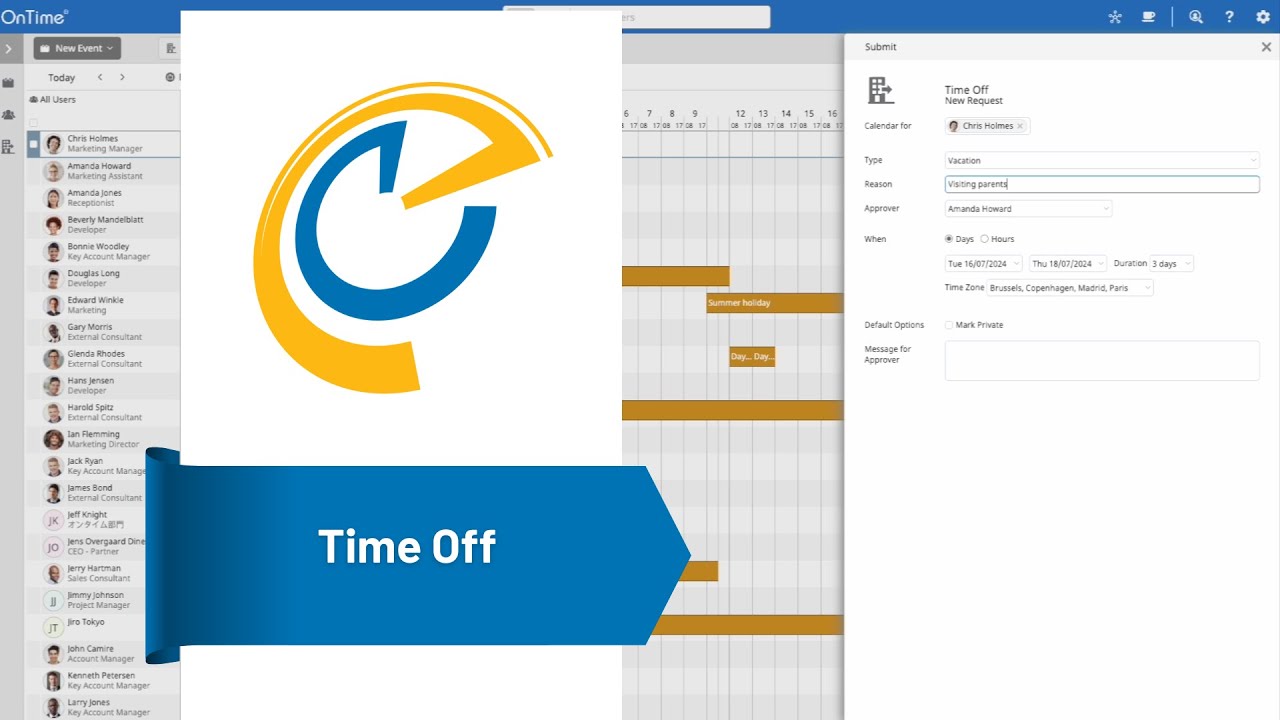
Create and Manage Time Off Requests
18. July, 2024

Create and Manage Time Off Requests

Register Visitors
28. February, 2023

Register Visitors

OnTime in Microsoft Teams
24. August, 2022

OnTime in Microsoft Teams

Business Cards
22. July, 2024

Business Cards

Searching and Filtering
18. July, 2024

Searching and Filtering

Poll for a Common Time
18. July, 2024

Poll for a Common Time

Share Your Availability
22. July, 2024

Share Your Availability

Create and Manage Time Off Requests
18. July, 2024

Create and Manage Time Off Requests

Creating Catering Orders
22. July, 2024

Creating Catering Orders

Introduction
29. April, 2024

Introduction

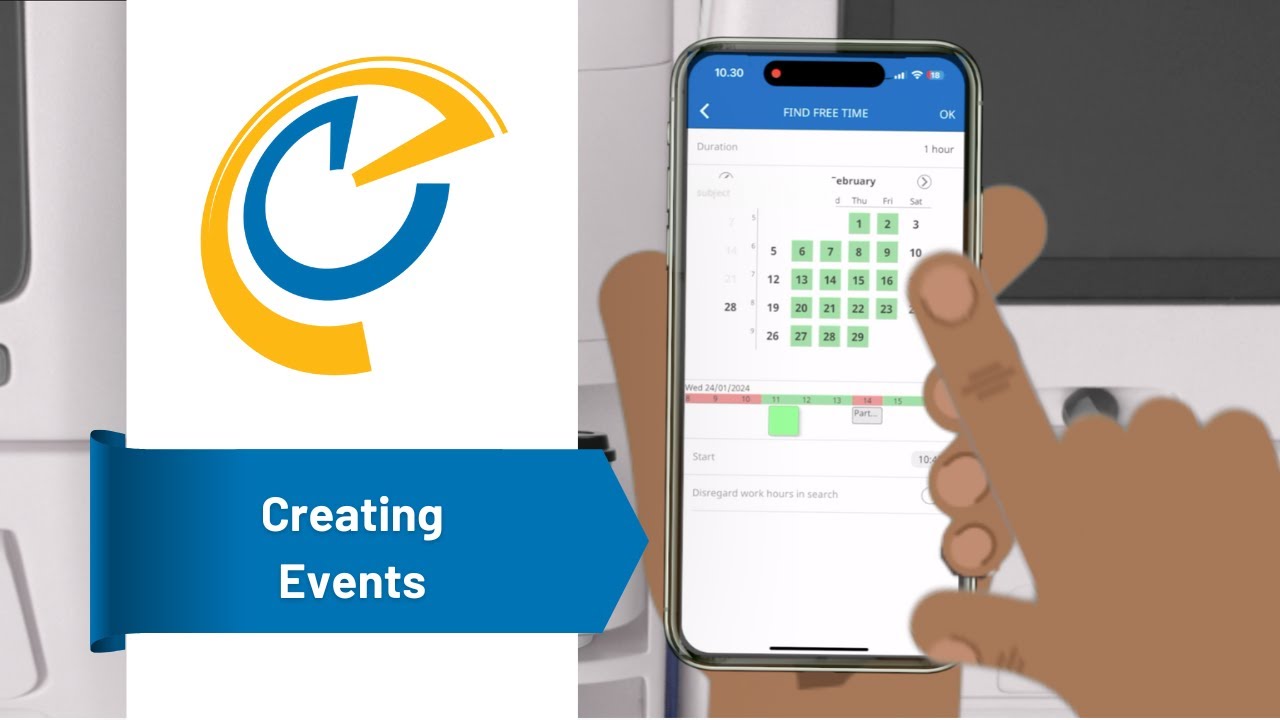
Creating events
25. January, 2024

Creating events

Pollarity
1. February, 2024

Pollarity

Time Off
8. February, 2024

Time Off

The Simple Order Process
14. August, 2023

The Simple Order Process

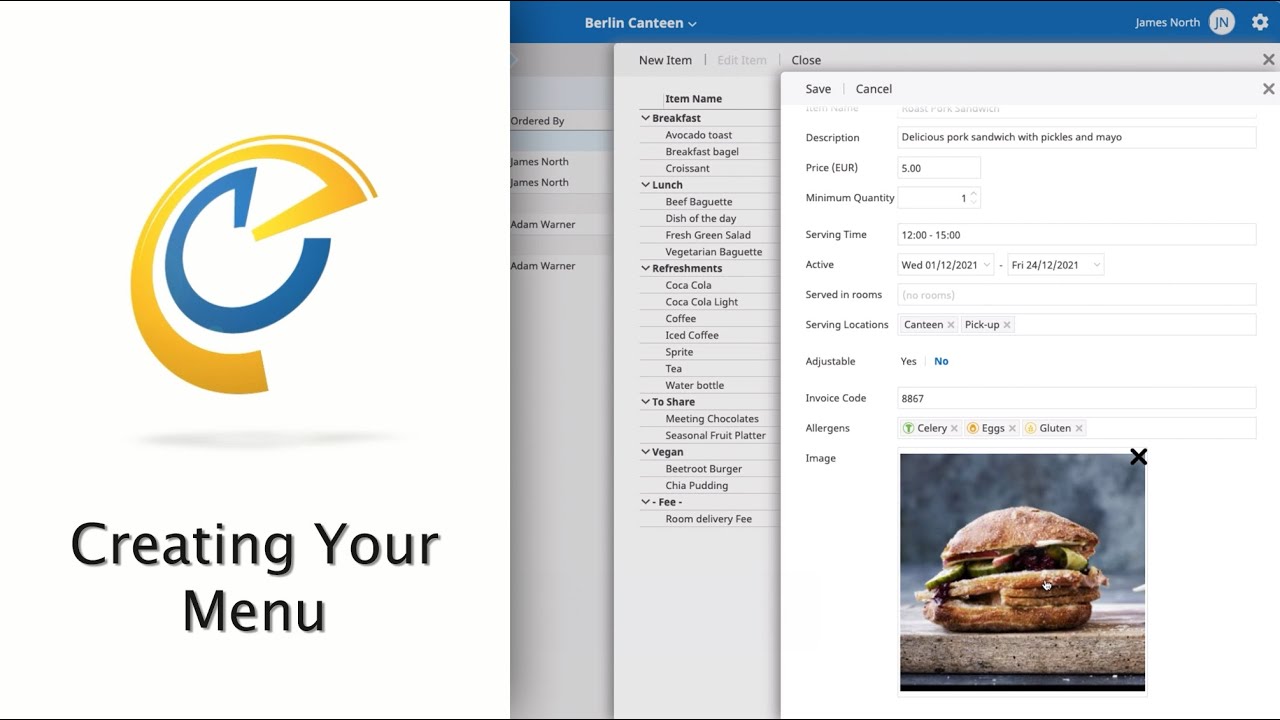
Creating Your Menu
26. October, 2022

Creating Your Menu

Editing Orders
20. February, 2024

Editing Orders

Creating and managing your canteen
20. March, 2024

Creating and managing your canteen

The 7 Views of OnTime
4. June, 2024

The 7 Views of OnTime

Creating Events
22. July, 2024

Creating Events

Schedule on Behalf of Others
18. July, 2024

Schedule on Behalf of Others

Event Hub
12. December, 2024

Event Hub

Searching and Filtering
18. July, 2024

Searching and Filtering

Edit User Settings
22. July, 2024

Edit User Settings

Business Cards
22. July, 2024

Business Cards

Poll for a Common Time
18. July, 2024

Poll for a Common Time

Share Your Availability
22. July, 2024

Share Your Availability

Locate and Book Shared Desks
18. July, 2024

Locate and Book Shared Desks

Creating Catering Orders
22. July, 2024

Creating Catering Orders

OnTime in Connections
22. July, 2024

OnTime in Connections

Create and Manage Time Off Requests
18. July, 2024

Create and Manage Time Off Requests

Business Cards
22. July, 2024

Business Cards

Schedule on Behalf of Others
18. July, 2024

Schedule on Behalf of Others

Searching and Filtering
18. July, 2024

Searching and Filtering

Poll for a Common Time
18. July, 2024

Poll for a Common Time

Share Your Availability
22. July, 2024

Share Your Availability

Create and Manage Time Off Requests
18. July, 2024

Create and Manage Time Off Requests

Creating Catering Orders
22. July, 2024

Creating Catering Orders

OnTime in Connections
22. July, 2024

OnTime in Connections

Event Hub
12. December, 2024

Event Hub

Introduction
29. April, 2024

Introduction

Creating events
25. January, 2024

Creating events

Pollarity
1. February, 2024

Pollarity

Time Off
8. February, 2024

Time Off

The Simple Order Process
14. August, 2023

The Simple Order Process

Creating Your Menu
26. October, 2022

Creating Your Menu

Editing Orders
20. February, 2024

Editing Orders

Creating and managing your canteen
20. March, 2024

Creating and managing your canteen

Get in Contact

We’re here to help! Please fill out the form below, and we’ll get back to you as soon as possible — typically within 1–3 business days.

By submitting this form, you agree that your information will be stored securely and only used to respond to your inquiry in accordance with our Privacy Policy. We do not share your personal data with third parties without your consent.

Thank you for reaching out!
The OnTime Team