
Notes and Verse are designed around personal calendars. That works well for individual scheduling, but when coordination spans several people, teams, or departments, there is no single place to see the full picture.
OnTime adds that missing group perspective to your Domino environment by collecting calendars into one shared, visual overview. With a single group calendar instead of many separate ones, OnTime helps teams coordinate and collaborate more easily, avoid scheduling conflicts, and spend less time organising meetings.
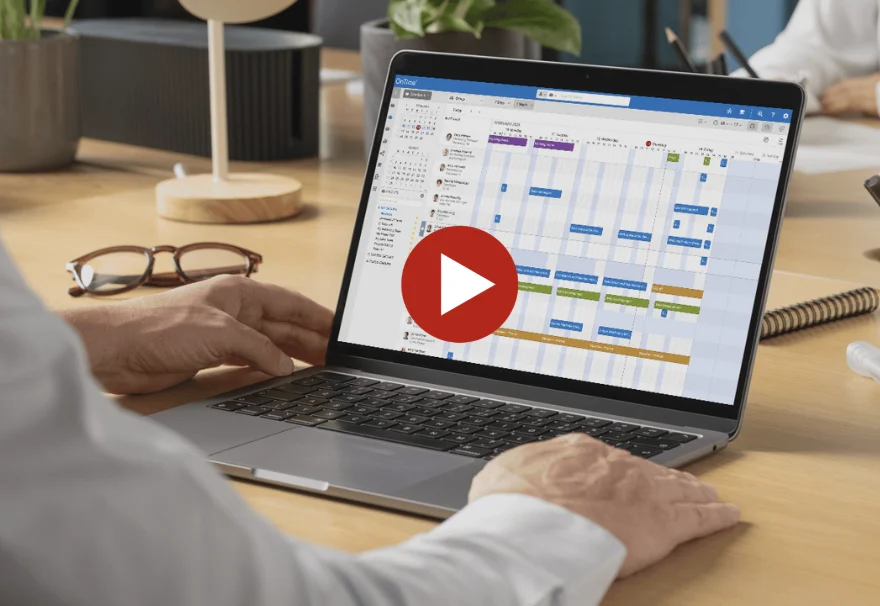

Get one shared view of availability across teams and departments, so you always know who’s available and when—without checking multiple calendars.

Stop going back and forth to find a meeting time. See availability instantly and book meetings faster with less manual coordination

Make it easier for teams to work together by removing scheduling barriers and helping the right people connect at the right time.

Use calendar insights to understand how time is spent and plan meetings and resources more effectively across your organisation.
OnTime Freemium is a free version of the OnTime Group Calendar, created in partnership with HCL Domino. It gives you access to core group calendar features for up to 50 users, so you can see how OnTime helps teams coordinate and plan together.
Work the way that suits you best. Choose between day view, week view, weekly planner, time-off, or list view to match your workflow. Tailor your time horizon, decide how many people to include– all with seamless navigation that keeps you in control and ensures you always have the overview you need.

Quickly create, reschedule, edit, or delete meetings with just a few clicks. Use tools like the Meeting Assistant to find green time slots where your selected people are available, making it simple to schedule meetings that work for all team members..

With seamless online meeting integration, you can add a Microsoft Teams meeting in just a few seconds while creating your appointment. There’s no need to open another tool or copy links manually. This makes OnTime your all-in-one scheduling solution.

Work seamlessly on behalf of others when you have the right permissions. Manage calendars efficiently for colleagues, managers, or team members. Use the individual view to focus on one person’s calendar at a time, making it easy to plan their day without distractions.

OnTime eliminates the need for external vacation planning tools. The Time Off workflow gives you a clear overview of where colleagues are
– whether they’re working remotely, attending a conference, or on vacation. An integrated approval system ensures all time off planning is smooth and organised.

Effortlessly schedule meetings with both internal and external participants. Send a poll to let participants vote on suggested times or share your availability by sending them a Share My Time link, so they can choose and book the time that works best for them.
Easily export all your calendar data with just a click. Whether you need to track work hours, team availability, or meeting patterns, OnTime makes it simple to generate clear, structured reports—perfect for analysis, documentation, or sharing with stakeholders.

HCL Verse is designed to help you prioritise information, people, and tasks—bringing what matters most to the front when you need it.
That’s why OnTime is also available directly within the Verse interface. By adding group scheduling to Verse, OnTime helps you coordinate with others just as easily as you manage your own work, without leaving the tools you already use.

The Event Hub offers centralised control over all corporate events and holidays across departments. You can create and organize events in dedicated calendars for various occasions or departments.
Once an event is planned, you can invite participants, add people using broadcast, or allow self sign-ups, making the entire process simple and clear.
As many companies have reduced office space after COVID due to more remote work, flexibility in the workplace has become more important than ever.
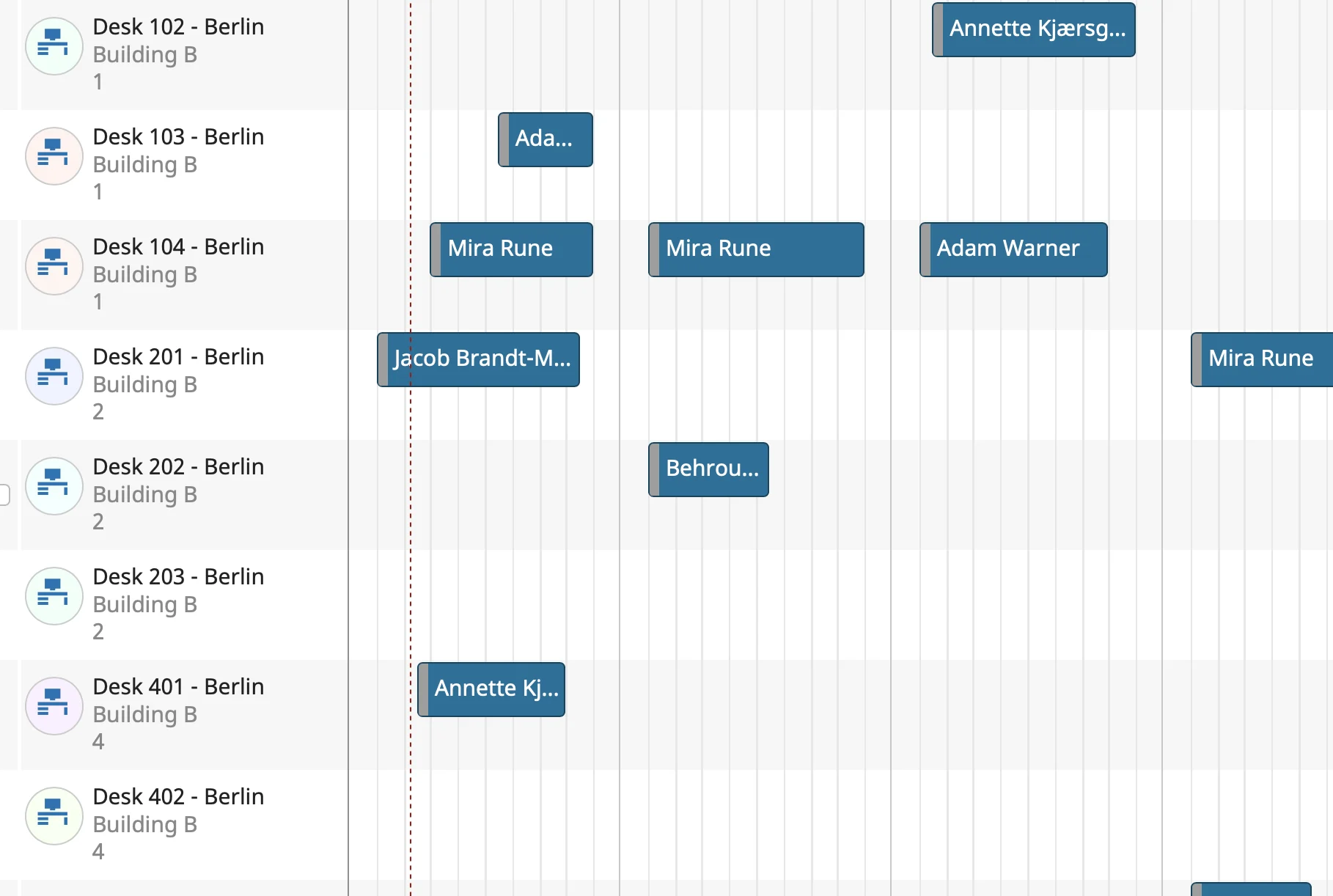
OnTime Shared Desks helps make sure employees have a place to work on the days they come into the office. Employees can book desks for the days they prefer and easily see when and where their colleagues are working.
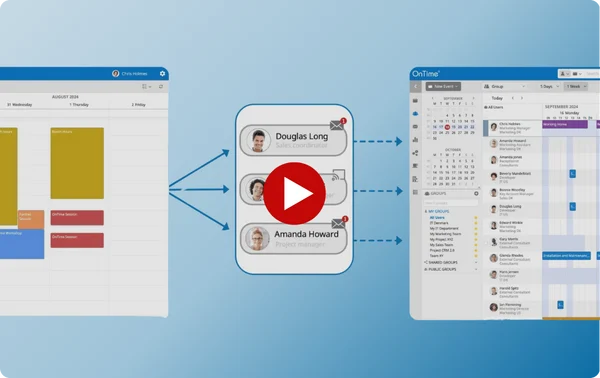
Many organisations use more than one email and calendar system. OnTime brings everyone together by letting you mix users from both Domino and Microsoft environments in the same solution – bridging the gap.

Try a demo right now and experience how OnTime for Domino works — explore calendars, booking, and features directly in your browser.
OnTime is designed to scale. There is no practical limit to how many users can be shown in one view, making it suitable for teams, departments, and large organisations.
You can set individual permissions to control who is allowed to see and do what. In addition, you can mark events as private so that no one except you can see the details.
With multiple add-ons for OnTime for Microsoft, you can customise OnTime to match your exact scheduling needs — creating a solution that works the way you do.






We’re here to help! Please fill out the form below, and we’ll get back to you as soon as possible — typically within 1–3 business days.
By submitting this form, you agree that your information will be stored securely and only used to respond to your inquiry in accordance with our Privacy Policy. We do not share your personal data with third parties without your consent.
Thank you for reaching out!
The OnTime Team