You’re in a Teams meeting, deep in a conversation, when someone says, “Let’s set up a meeting.” Normally, that means opening another app, checking calendars, and going back and forth to find a time that works.
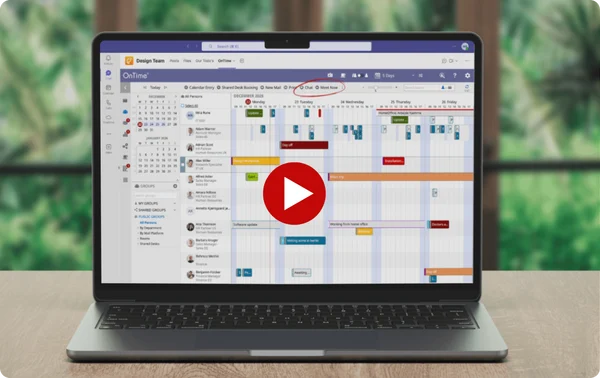
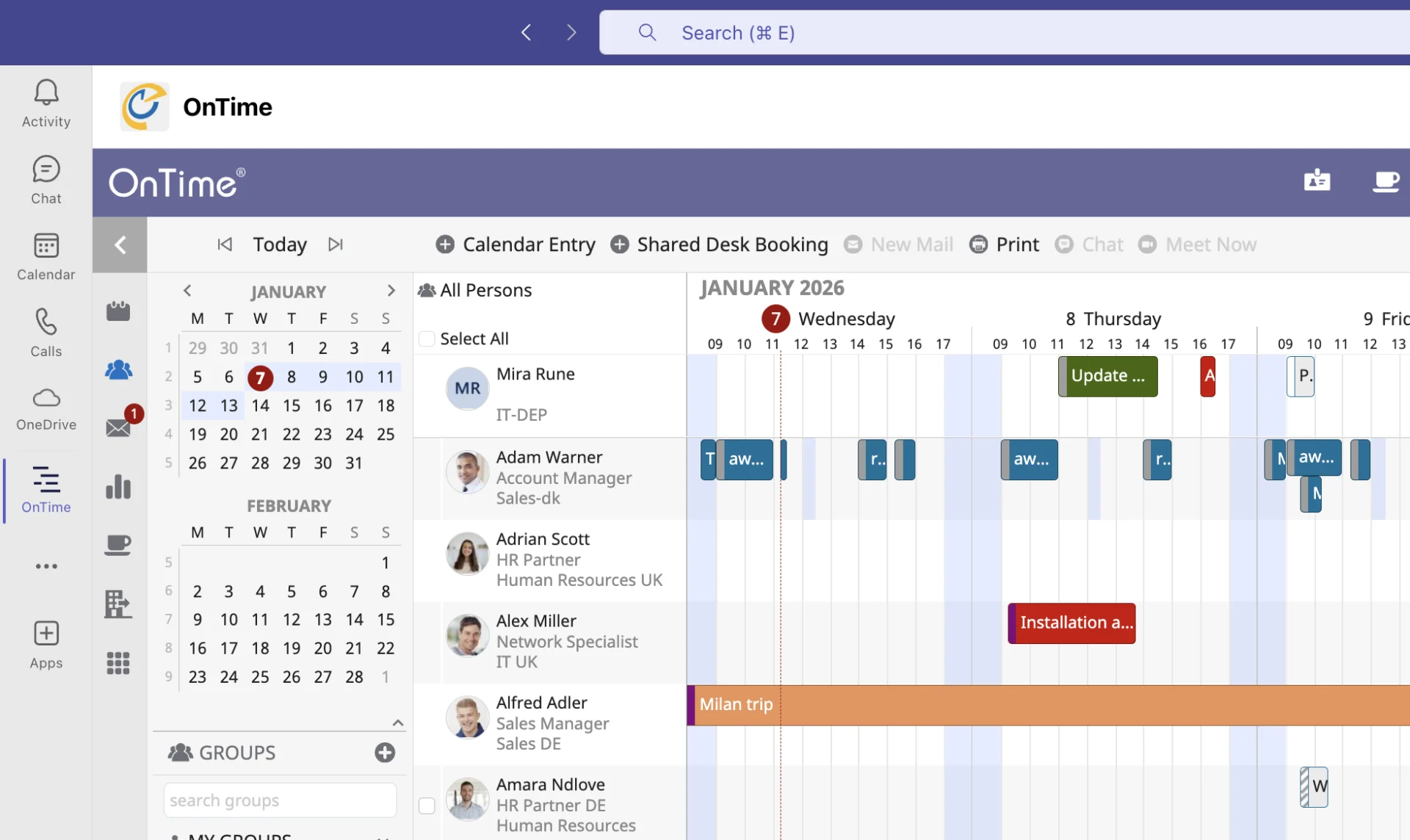
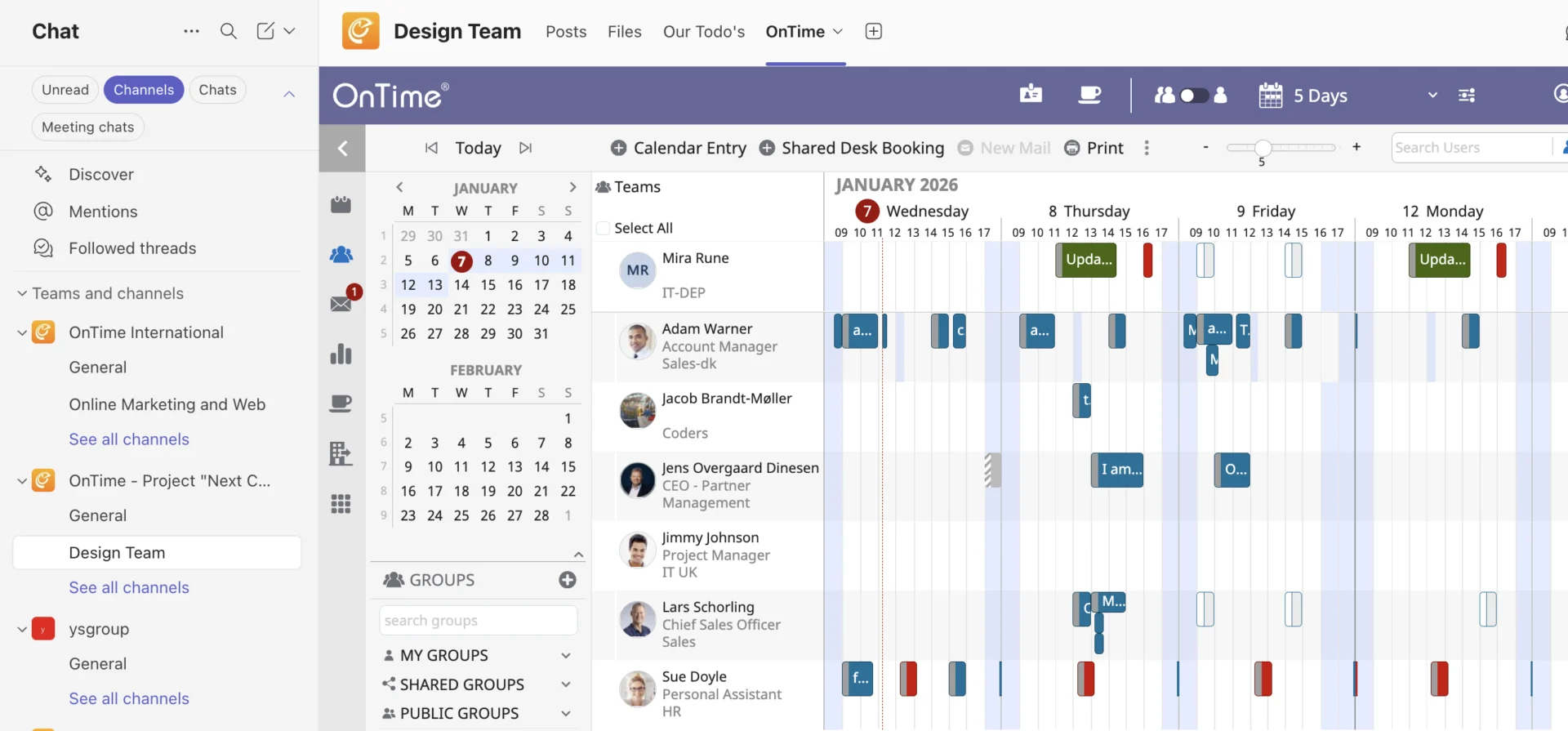
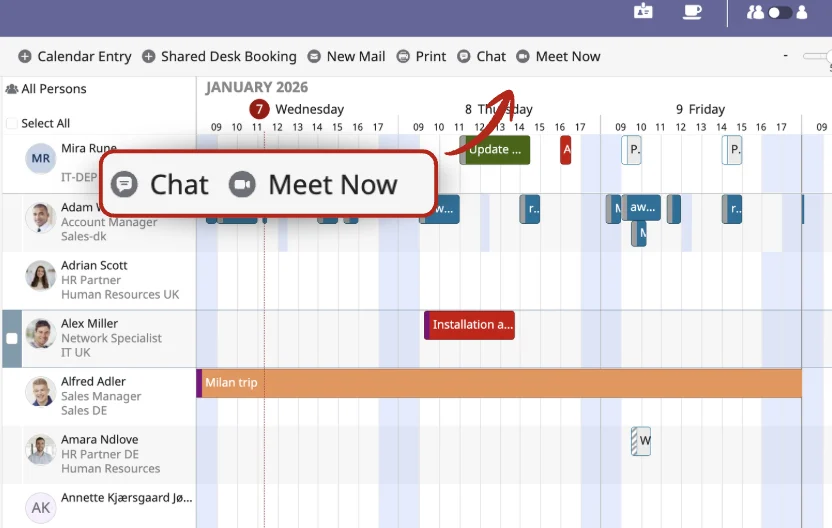
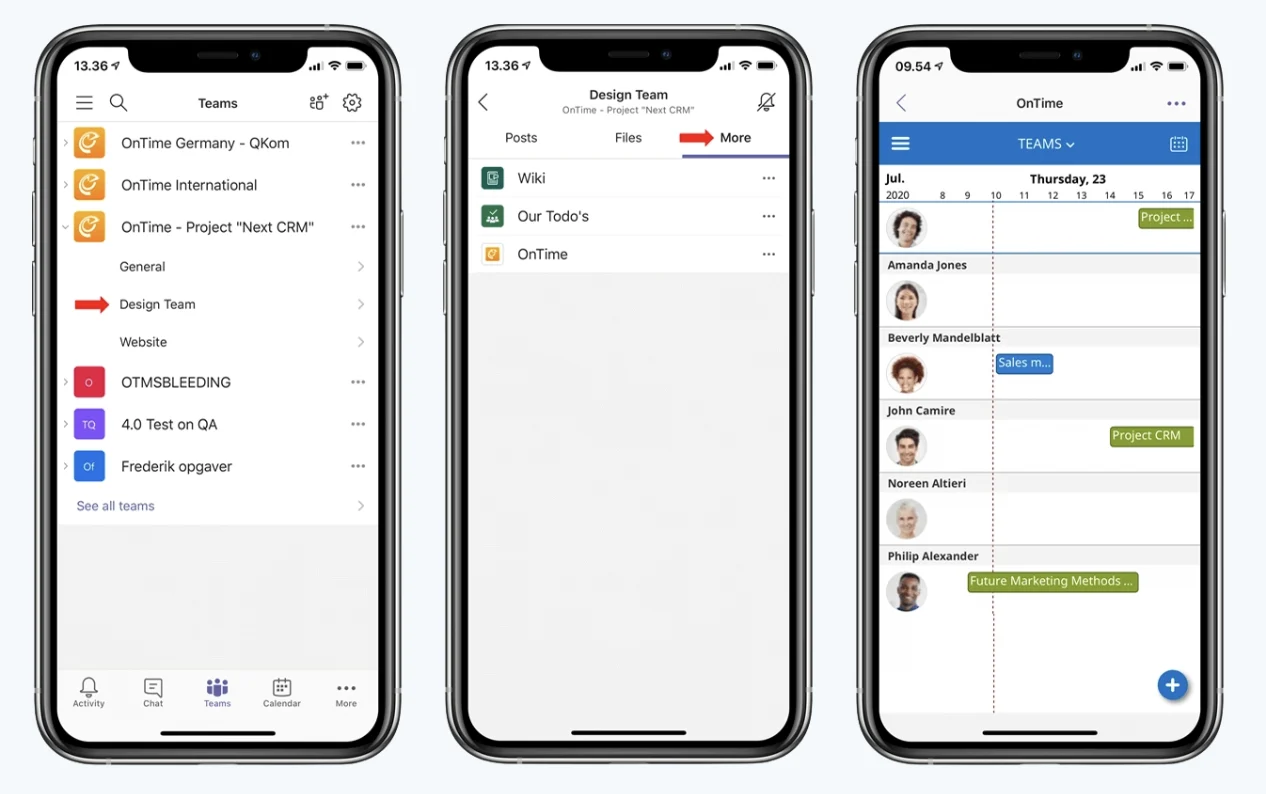
Instead, you open OnTime right inside Teams. You instantly see who’s available, spot a time that works for the right people, and book the meeting without leaving the chat or breaking your flow.
No switching tools. No guessing who’s free. No follow-up messages to coordinate.
Just scheduling that fits naturally into the way your team already works in Microsoft Teams.