










Stop wasting time hunting for rooms. OnTime Room Display gives you instant clarity and control over every meeting space.
See how we can help you make smarter use of your meeting spaces — with 5 proven methods in just 60 minutes
Microsoft Partner | Installed in Your Environment | GDPR Compliant


Booking a room should be simple — but it rarely is.
Calendars show everything as occupied, yet many “booked” rooms are empty because meetings end early or no one shows up. Meanwhile, teams waste time searching for available space or interrupting others to check. Without an overview, teams waste time searching for space, and meeting rooms never get used to their full potential.
With OnTime Room Display, you make the most of the resources you already have. You don’t need more rooms, just smarter use of the ones you’ve got.
See real-time room availability right on the display — no more walking the halls or guessing what’s free.
Easily extend your booking right from the display, ensuring no disruptions and no scheduling conflicts.
OnTime prevents overlaps and mistakes, giving your team confidence in every booking.
With the optional check-in feature, unused rooms are automatically released, freeing them up for others who need them.
Get a complete overview of room usage and availability, helping your organisation use meeting space more efficiently.
Book a consultation, and one of our OnTime consultants will get in touch to find a good time to chat about your needs.

Start a 60-day trial and let OnTime use your calendar data to unlock all features. Discover how it fits into your routine and benefits you.

Whenever you’re ready to start your OnTime Room Display journey, we’ll help you get up and running in no time.


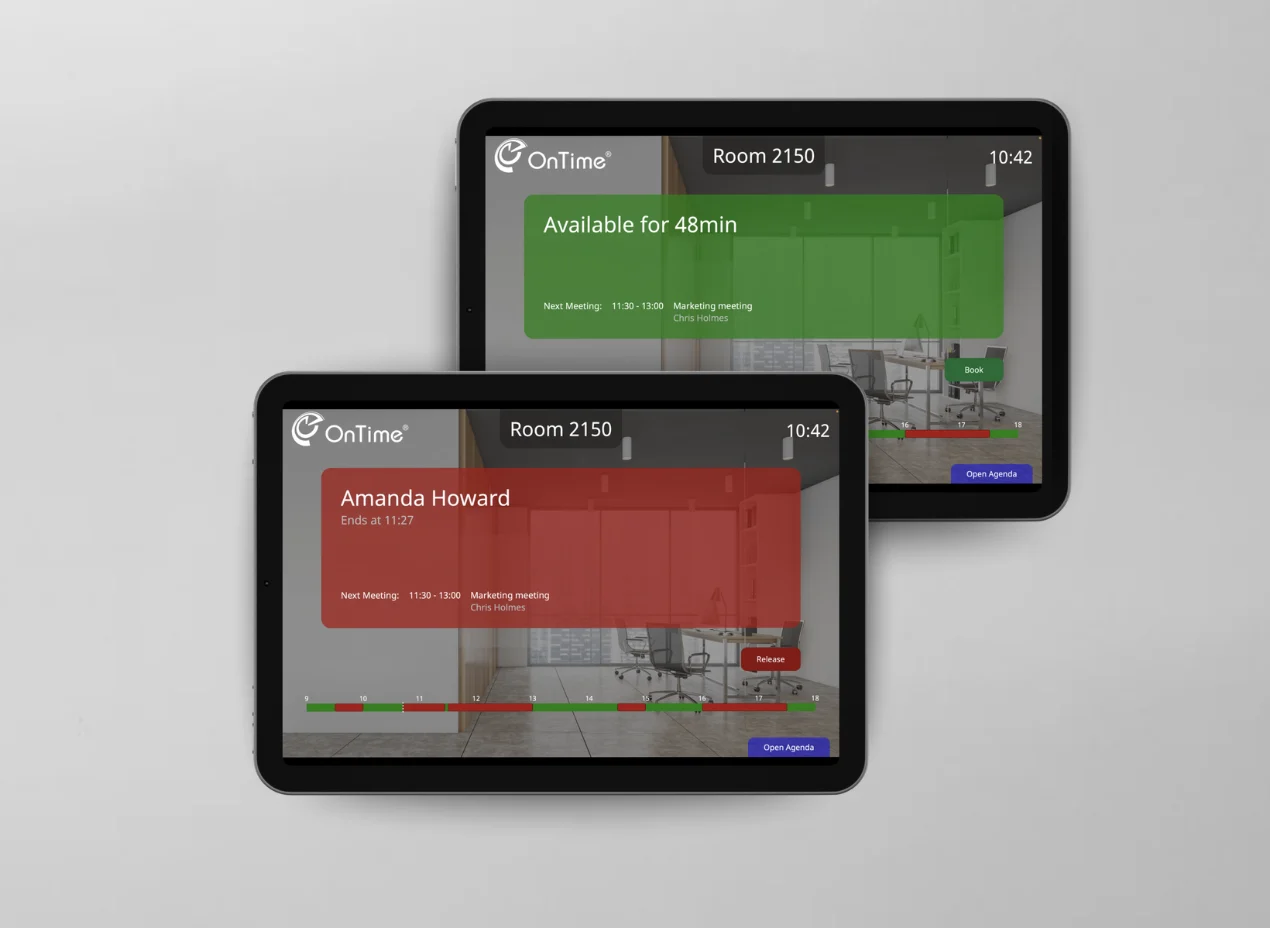
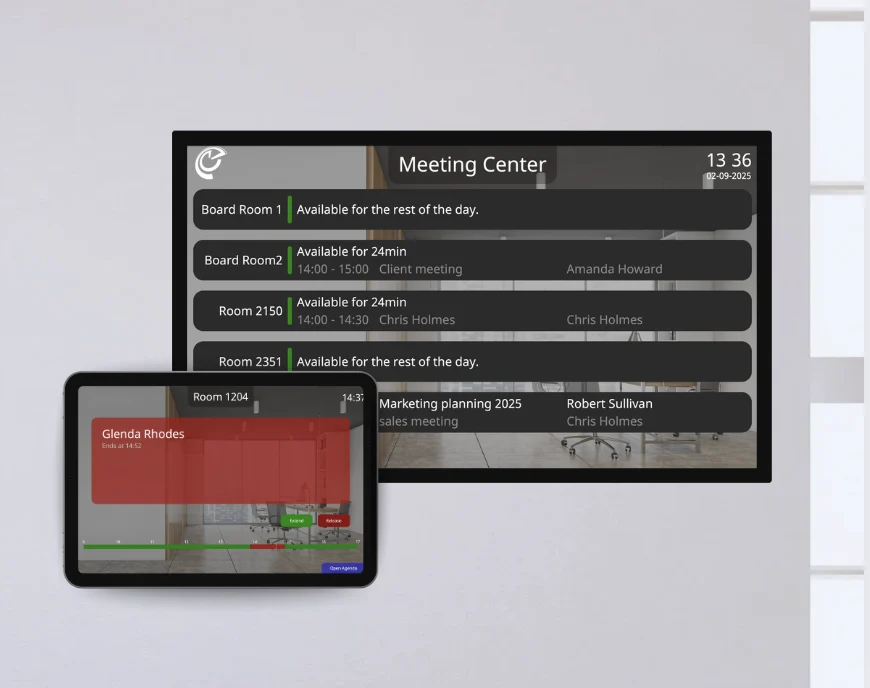
With Room Display, it’s easy to see if a room is free or occupied — green means available, red means in use. You can also view the full day’s schedule to know when it’s free next.

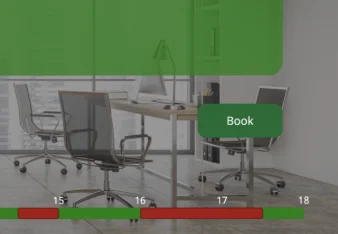
With OnTime Room Displays, booking a room only takes seconds. Tap Book, add your name, choose the time you need, and hit Submit. Your room is reserved instantly, right when you need it.

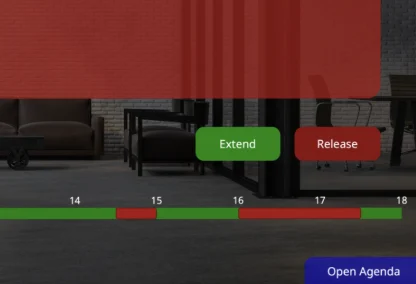
If your meeting runs over, simply press Extend on the display to keep the room. Finish early? Release the room so it’s instantly available for others, ensuring every space is used to its full potential.

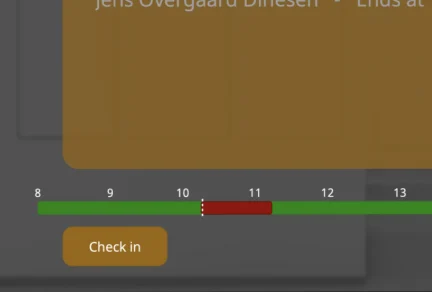
If no one checks in within the timeframe you set, the room is automatically released, freeing it up for colleagues who actually need it. No more no-shows and a smarter use of resources.

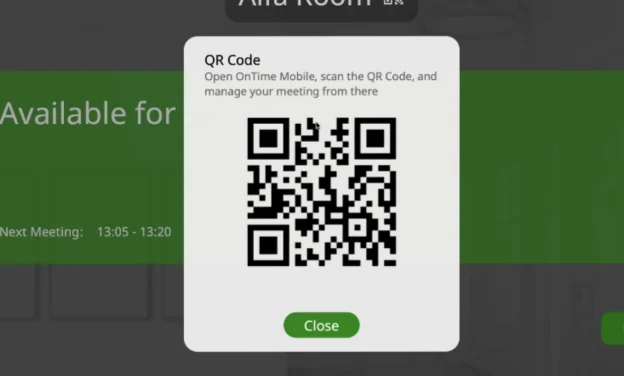
If you need even more flexibility, simply scan the QR code with your OnTime Mobile, to book the room instantly, reserve it for later, or add a meeting subject

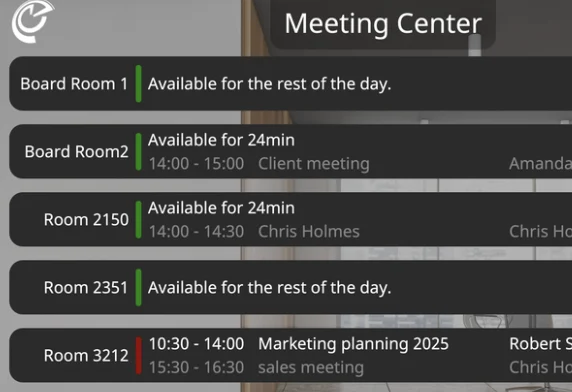
With OnTime Multi-Room Displays, you get a complete overview of all meeting rooms in one place. Instantly see which rooms are free, when they become available, and for how long.

No. OnTime is installed directly in your organization’s own Microsoft tenant. This means you stay in full control of data and infrastructure.
Very secure — because it’s installed inside your own tenant, your data never leaves your infrastructure. OnTime is fully GDPR compliant and trusted by enterprises worldwide.
No. You discovered us on Azure Marketplace, but the software itself is installed in your own environment. The Marketplace simply makes finding and starting with OnTime easier.
Getting started couldn’t be easier, all you need are active OnTime Core licenses and a license key for your new room displays. Our team will guide you through every step of the setup.
The system works on any tablet, Apple, Android, or Windows, giving you the flexibility to use the screens you already have or easily find compatible ones.
Room Display is a natural extension of your group calendar, helping you make even better use of your meeting rooms. Active Core licenses are required to use Room Display.
Microsoft Partner | Installed in Your Environment | GDPR Compliant
Let’s define your 5 wins together! Please fill out the form below, and we’ll get back to you as soon as possible.
By submitting this form, you agree that your information will be stored securely and only used to respond to your inquiry in accordance with our Privacy Policy. We do not share your personal data with third parties without your consent.
Thank you for reaching out!
The OnTime Team